A Guest Network is the simplest network shape on Atlas Cloud: a flat L2 network with NAT to the internet — think “home Wi-Fi”. You get one virtual router, DHCP, and a public-IP NAT in one piece. Good for a single VM or a handful of related VMs. For multi-tier setups with subnet isolation, use a VPC instead.
Create a guest network
Console
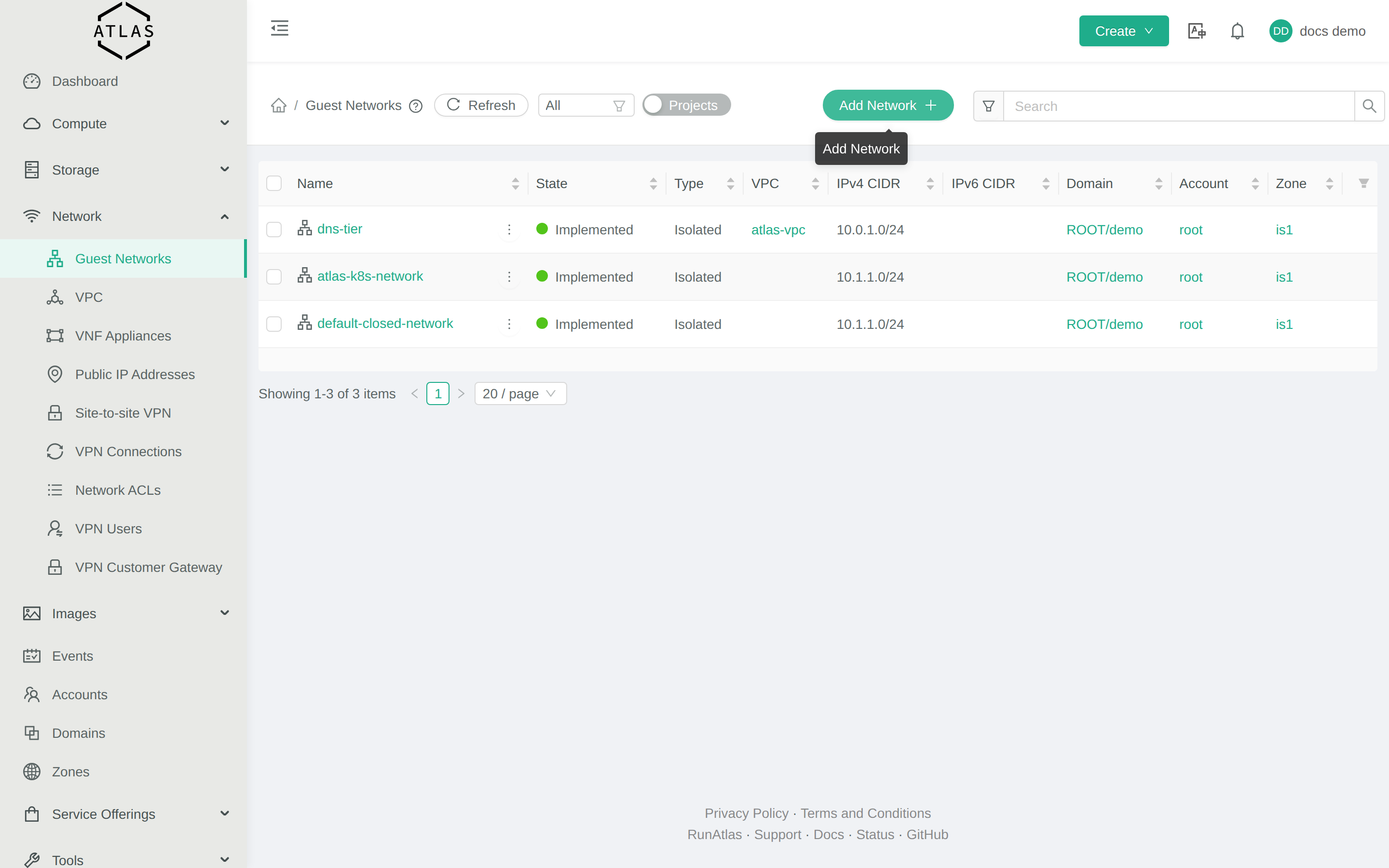
- Network → Guest networks.
- Click Add network.
- Use the default offering (
DefaultIsolatedNetworkOfferingWithSourceNatService). - Pick zone
is1, give it a name (e.g.default). - Click OK. A few seconds later your network is up.
CLI
NETOFF=$(cmk list networkofferings name=DefaultIsolatedNetworkOfferingWithSourceNatService | jq -r '.networkoffering[0].id')
ZONE=$(cmk list zones name=is1 | jq -r '.zone[0].id')
cmk create network name=default displaytext=default networkofferingid=$NETOFF zoneid=$ZONE
Terraform
resource "cloudstack_network" "default" {
  name             = "default"
  display_text     = "default"
  cidr             = "10.99.1.0/24"
  network_offering = "DefaultIsolatedNetworkOfferingWithSourceNatService"
  zone             = "is1"
}
Egress rules
This is the most important section on the page. Atlas’s default isolated network blocks outbound traffic by default. Until you add egress rules, your VMs cannot:
apt update/dnf install— outbound HTTP/HTTPS blocked- Resolve hostnames — outbound DNS blocked
- Pull container images — same
Open the network in the console, go to the Egress rules tab, and add:
| Protocol | Port | CIDR | Purpose |
|---|---|---|---|
| TCP | 80 | 0.0.0.0/0 | HTTP |
| TCP | 443 | 0.0.0.0/0 | HTTPS, container registries |
| UDP | 53 | 0.0.0.0/0 | DNS |
| TCP | 53 | 0.0.0.0/0 | DNS over TCP |
CLI
NET=<network-id>
cmk create egressfirewallrule networkid=$NET protocol=tcp startport=80 endport=80 cidrlist=0.0.0.0/0
cmk create egressfirewallrule networkid=$NET protocol=tcp startport=443 endport=443 cidrlist=0.0.0.0/0
cmk create egressfirewallrule networkid=$NET protocol=udp startport=53 endport=53 cidrlist=0.0.0.0/0
cmk create egressfirewallrule networkid=$NET protocol=tcp startport=53 endport=53 cidrlist=0.0.0.0/0
Public IP and port-forwarding
The guest network’s first public IP is the Source NAT for outbound traffic. To accept inbound traffic on a VM (e.g. SSH, HTTP), allocate an additional Public IP, add a firewall rule, and forward a port. See Public IPs.
Virtual Router
Every guest network has a Virtual Router (VR) that handles DHCP, DNS, NAT, and firewall. The VR lives on the first usable IP in the network — for 10.99.1.0/24 that’s 10.99.1.1. You usually don’t interact with the VR directly, but it’s the answer to “where did this default gateway come from?”.
Limits
Atlas supports Isolated guest networks today. L2-only and Shared networks are not exposed. For routed multi-tier setups, use VPC.
Delete a network
You can only delete a network with no instances attached. Stop and destroy the instances first, then:
CLI
cmk delete network id=<network-id>Common failures
- VMs can’t reach the internet. You forgot egress rules. Add the four above.
Network is in transition stateon delete. A VM is still attached, or the VR hasn’t finished tearing down. Wait 30 seconds and retry.